Resume Studio
Checks whether your genuine experience is clear, relevant and easy to parse for the role.
One workspace for the whole search, so your context follows the role instead of being rebuilt in six different tools.
ATS means Applicant Tracking System: software employers use to collect, organise and read applications. Every employer configures theirs differently, so Luceria gives you a compatibility estimate — never an employer verdict or hiring prediction.
Every time you check a resume against a role, Luceria's own shared evaluator runs behind the scenes using the resume and job description you provide.
It reviews whether the role's requirements are supported by clear evidence, whether common resume sections can be recognised, and whether formatting may create avoidable parsing problems. You remain in control of every suggested change.
The engine works from these two sources. It does not infer experience, qualifications or results you have not supplied.
Application instructions, privacy text and similar boilerplate are removed before role signals are compared.
“Rebuilt the weekly KPI dashboard in SQL and Looker, cutting six hours of manual reporting.”
Python appears in the role requirements, but no supporting example was found in this resume.
Parseability and formatting are checked as pass/fail flags with their issues listed, and together contribute 10% of the score — the five dimensions above carry the rest.
Review the suggestions, make only the edits you agree with, then run the check again. Luceria never guarantees that an employer's private ATS will score the same way.
Luceria's ATS compatibility engine sits behind the supported resume and role workflows. Each tool sends it the evidence you provide and receives the same structured review, so the guidance stays consistent from first draft to interview preparation.
Checks whether your genuine experience is clear, relevant and easy to parse for the role.
Compares what a role asks for with the evidence currently visible in your profile and resume.
Keeps the letter grounded in the same role requirements and evidence used in your resume review.
Turns identified requirements and evidence gaps into focused questions and preparation prompts.
Keeps the application context, review state and next checks attached to the opportunity.
Converts the review into sequenced actions you can approve, complete and revisit.
One login, one bill, one connected system where every tool feeds the next — instead of ten disconnected tabs that never talk to each other.
You don't have to arrive organised. Bring a single role and Luceria turns it into a sequence you can actually follow.
A job, a promotion, an apprenticeship or a course — paste it in. No setup, no blank canvas to stare at.
Luceria breaks it into sequenced tasks with deadlines and follow-ups — sorted into Today, This Week and Later.
Resume Studio tailors your real evidence to the role, reviewed with Luceria's ATS compatibility method, with a cover letter to match.
A visual funnel of every application, interview rehearsal, fit checks and honest offer analysis — right to the finish.
Search listings from Luceria's supported providers and move a real opportunity into a workflow.
Run the free public-record check on the employer before you spend an evening on the application.
Rewrite against the job description using evidence already in your resume. Nothing is invented.
Draft the cover letter, work through the screening questions, and keep every version attached to the role.
Build a role-aware brief, rehearse the questions that are likely, and review structured feedback.
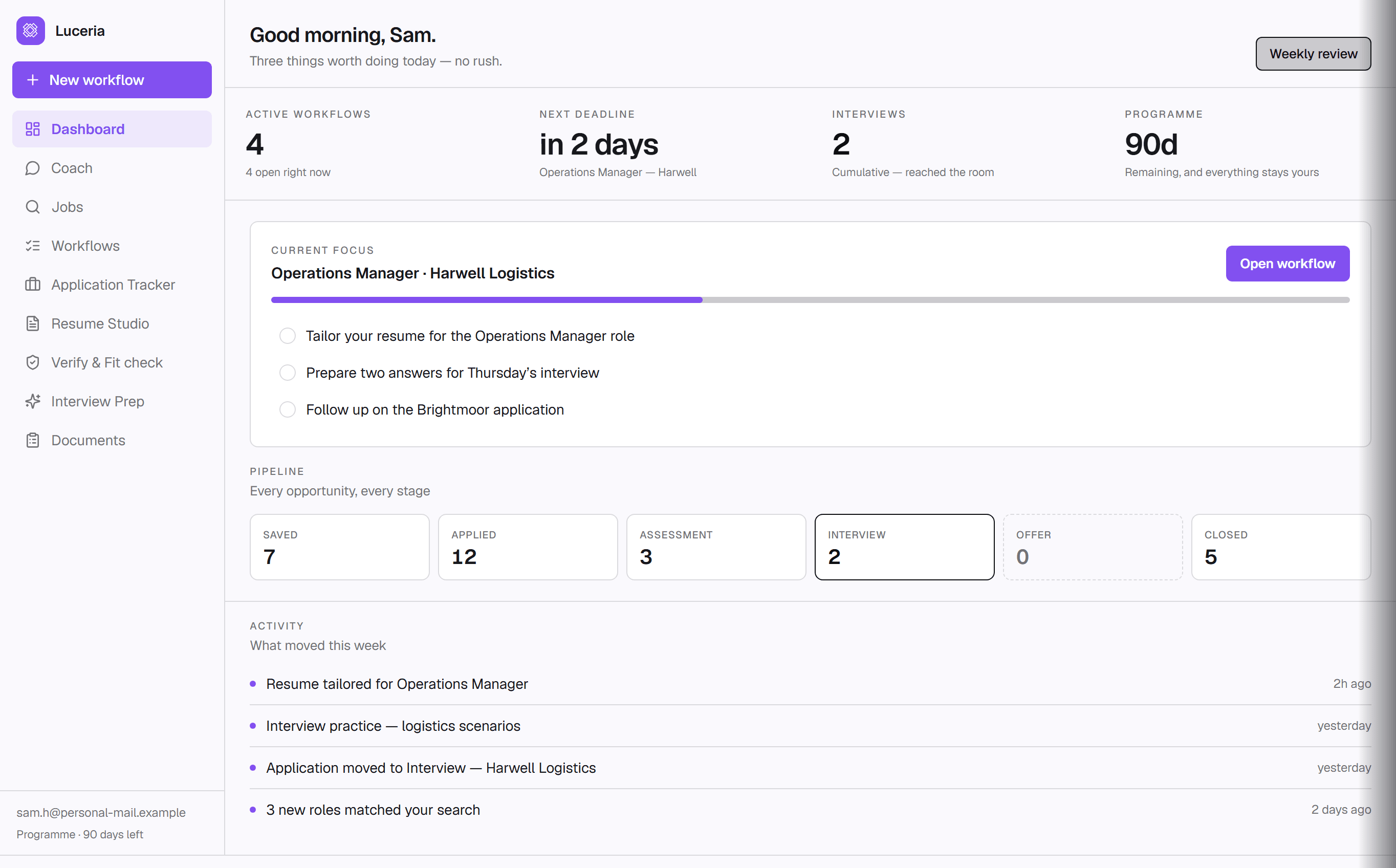
Move it through saved, applied, interview and offer, and see where the search is actually stalling.
The platform
Each surface has a clear job. Together, they preserve the role, evidence and decisions behind your application from first look to final follow-up.

Search listings from Luceria's supported providers, compare salary and posting details at a glance, then move a real opportunity into a workflow.
See how Jobs worksTurn a role, promotion, apprenticeship or placement into clear next steps. Your resume drafts, notes, deadlines and follow-ups stay connected to it.
See application workflowsATS means applicant tracking system: the software many employers use to organise and screen applications. Luceria's own matching engine runs behind every resume workflow to surface role language, missing evidence and formatting risks — without inventing experience.
Explore Resume StudioMove applications from saved to applied, interview and offer. Use the board and funnel to see momentum, bottlenecks and the next action that matters.
See the application trackerBuild a grounded brief, practise likely questions and get structured feedback based on the role and the resume you actually submitted.
Explore interview prepVerify highlights signals worth verifying in adverts, recruiter messages and offers. It supports your judgement; it never certifies that a listing is safe.
See VerifyLuceria has a complete, working iOS test build for core job-search, application, resume, preparation and tracking work. A public App Store link and Android are not live yet.
Explore Luceria mobileEvery feature
Every page explains what the feature does, what it uses, what it can’t promise and whether it needs an account or a paid plan.
Luceria's AI career coach is software inside the paid plans; the directory lists independent people who run their own practices. Coaches set their own prices and you book through their own booking page.

Pro Plus adds on-page tailoring and cover-letter drafting in the browser. Lens uses your real resume, runs the same safety checks and keeps you in control of every change.